
Payment widget with a ready-made interface
Accept online payments on websites and apps without complex development.
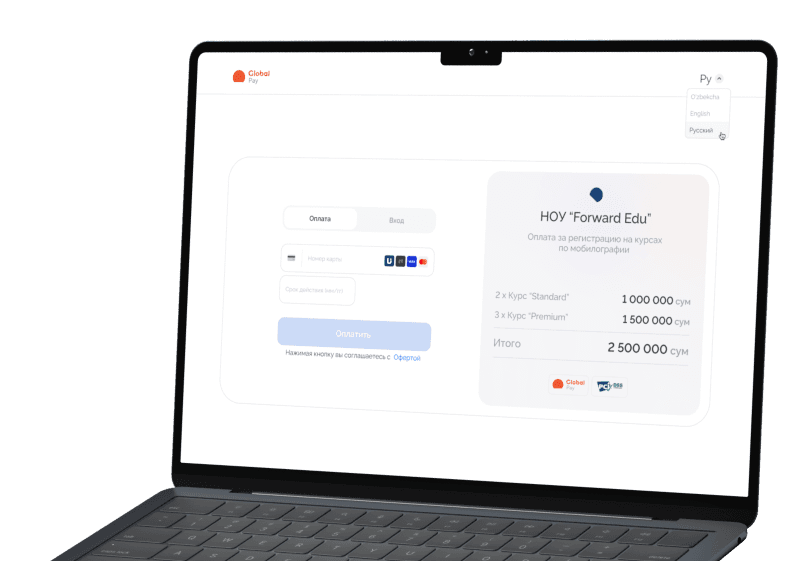



Well-designed features for online payments
Everything you need for accepting payments — in one solution
Support for 4 payment systems
Accept local (Uzcard, Humo) and international (Visa, Mastercard) cards in a single integration.

Save card for payment
One-click repeat payments — payment data is securely stored on the Global Pay side.
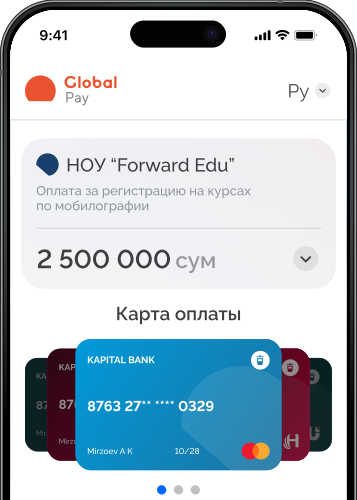
Ready-made payment interface
A well-designed payment page ready to use — no UI modifications needed.
Perfect on any device
The widget automatically adapts to various web and mobile devices.

Corporate card acceptance
Accept corporate cards from any payment system without extra documents or confirmations.

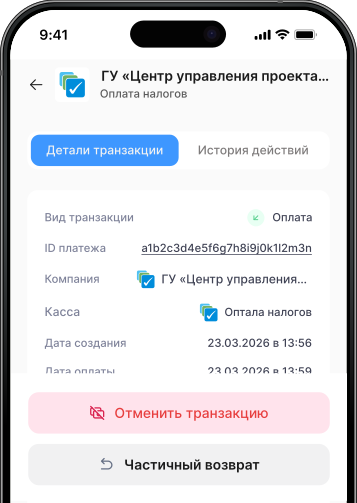
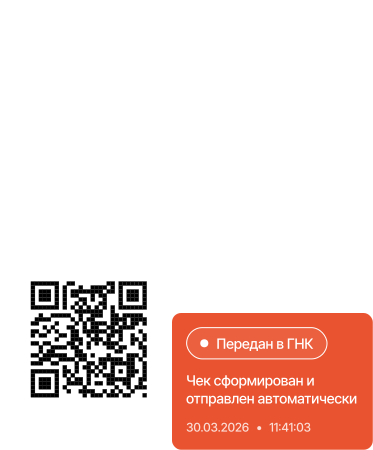
Tax system integration
Direct integration with the State Tax Committee — payment fiscalization happens automatically.
Support for 4 payment systems
Accept local (Uzcard, Humo) and international (Visa, Mastercard) cards in a single integration.
Save card for payment
One-click repeat payments — payment data is securely stored on the Global Pay side.
Try the payment widget in action
Make a test payment and see how payment acceptance works in practice
Payment process
From customer payment to transaction confirmation — without unnecessary complexity
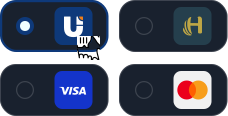
Choose payment method
The buyer clicks "Pay" and selects a convenient payment method.
Enter payment details
The Global Pay payment widget opens for entering card details.
 This will take a couple of seconds
Payment processing
The system processes the payment in real time.
 Payment successful
Payment confirmation
The customer receives confirmation, the payment is recorded in the dashboard.
Choose payment method
The buyer clicks "Pay" and selects a convenient payment method.
This will take a couple of secondsPayment processing
The system processes the payment in real time.
Payment successfulPayment confirmation
The customer receives confirmation, the payment is recorded in the dashboard.
A solution for business growth
One service for quick online payment launch and sales growth
Quick launch
Simple programmatic integration and a ready-made payment interface to start accepting payments without lengthy development or design work.
Unified service
Connect 4 payment systems within a single solution — without separate contracts and technical support for each integration.
Repeat sales growth
Saved payment data and a convenient payment process help customers pay faster and return for more purchases.
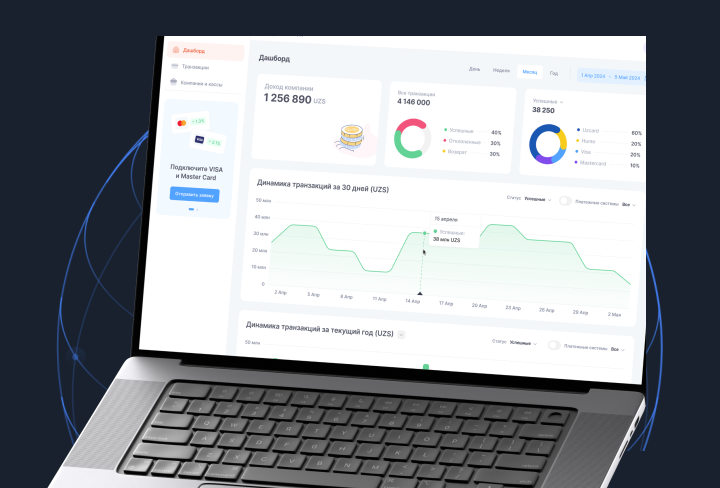
Control revenue and payments in one interface
Track transactions, analytics and payment statuses in real time — without complex reports and spreadsheets.
How to connect the payment widget
Fill out the application, complete registration and sign the contract
Integrate the payment widget into your website or app
Start accepting payments and tracking transactions
Other payment solutions
API integration
For projects with custom payment logic and advanced integration requirements.
Learn more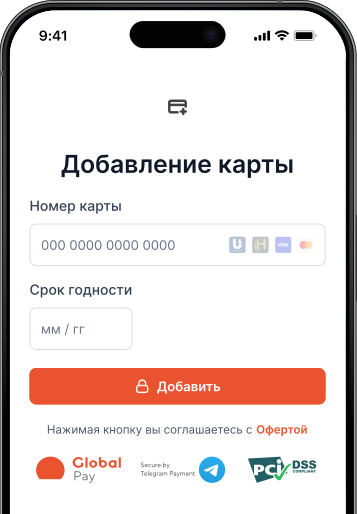
Telegram integration
Accept payments inside the messenger through the official Telegram integration.
Learn moreStart accepting online payments with Global Pay
Submit an application, connect the widget and add a convenient and secure payment method for your customers.